





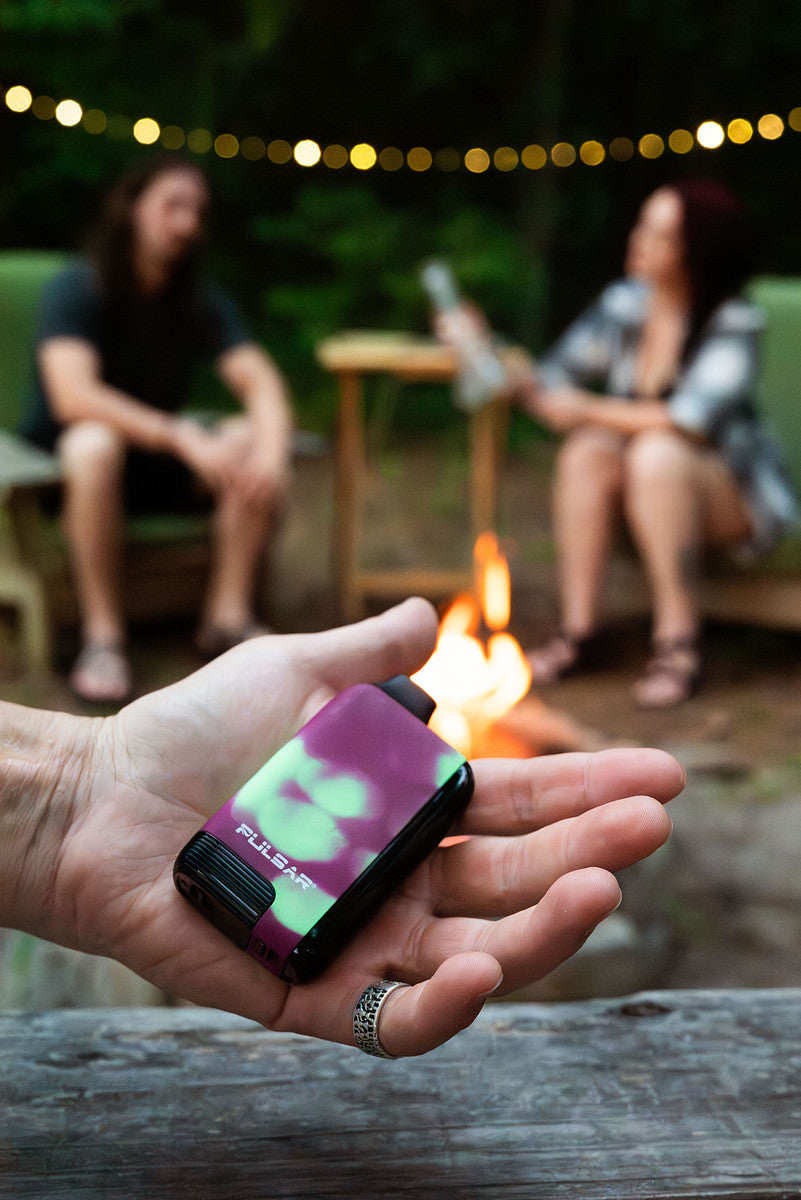


Pulsar 510 DL Auto-Draw Vape Pen
Orders ship within 1-2 business days
Friendly customer service team
Package protection available
Pulsar 510 DL Auto-Draw Vape Pen

Product Details
Description
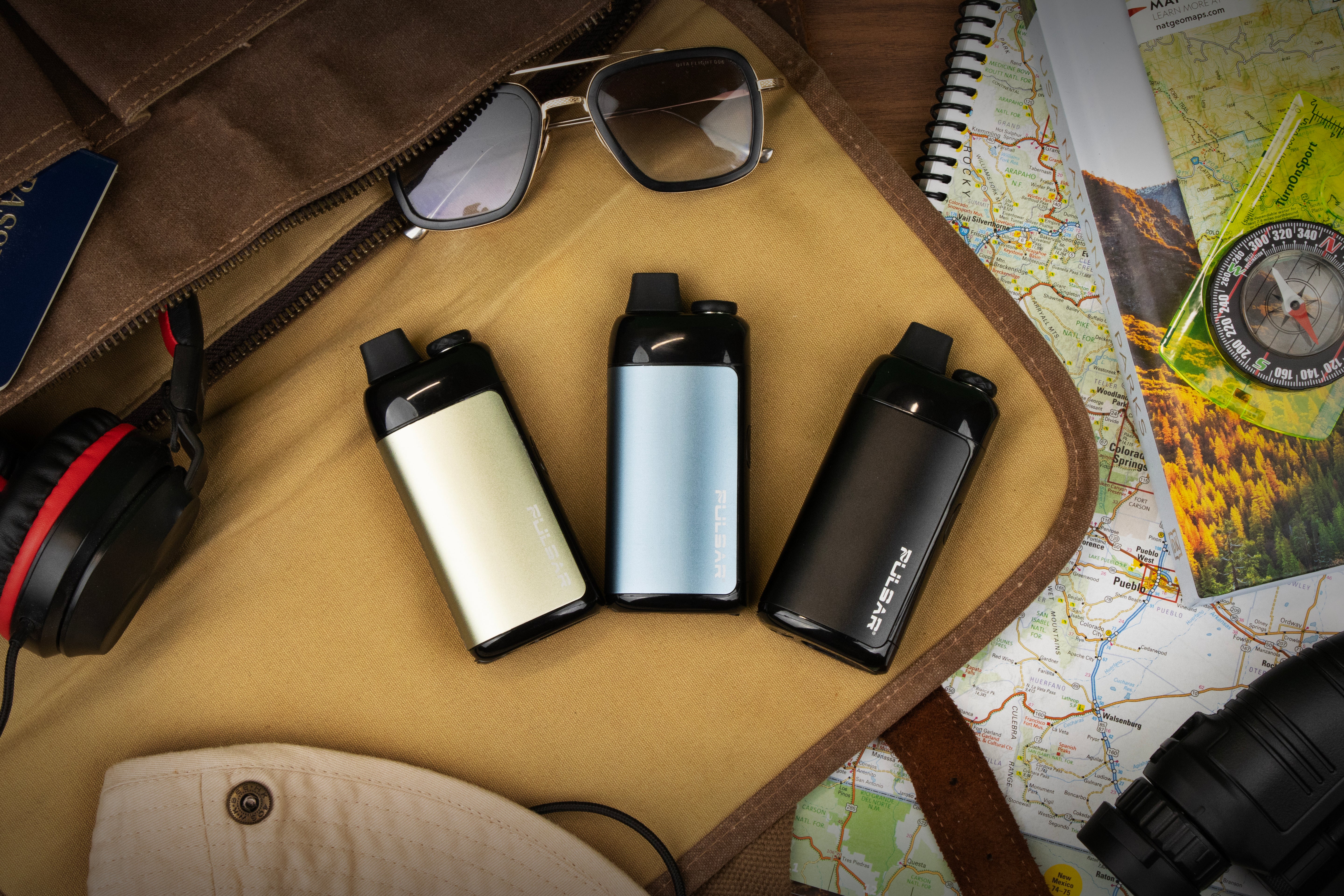
Your secret is safe with us! Keep your puffs on the down low with the Pulsar 510 DL Auto-Draw Vape Pen. This low-key device has a sleek and slim exterior that gives it the appearance of a traditional disposable vape. The original color line's outer shell is made from quality metal, while the new color-changing thermochromic color line is constructed from durable plastic that has a heat-reactive coating.
But wait! Remove the magnetic base and attach your 510 threaded cartridges for subtle hits on the go.
The DL Vape Pen even takes it a step further by granting users full control through the power of breath. Power the pen on and off with 5 quick puffs and change the voltage settings with just 3 quick puffs. The DL also has a pre-heat mode which can be activated with 2 short puffs to prepare your carts for the next rip. With the DL, you can blend in when you want to and stand out when you don't.
Highlights
For use with
Oil Cartridges
Style
Pen / Stick Battery
Special features
Universal 510 Threading
Auto-Draw / Breath Control
Pre-Heat Cycle
Auto Shut-Off
Indicator Light
Tech Specs
Battery capacity
Maximum cartridge size
Temperature voltage settings
Charging type
USB-C
Warranty
Dimensions
Height
What's in the box?
User Manual & Cleaning
⚠️IMPORTANT: Be sure to read the manual fully before initial use and cleaning. Improper operation can lead to damaging the unit, voiding the warranty, and possible harm to the user.
User manual file
Click to ViewFAQ
Click to View the full product manual
What size cartridges can I use?
Where is the power button?
How do I clean this vaporizer?
Helpful Troubleshooting Tips
Your bundle
Pulsar 510 DL Auto-Draw Vape Pen
Product Comparison
Customers praised this auto-draw vape pen for being "discreet," easy to use, and having long battery life. Many appreciated the buttonless design and smooth hits. However, some reported concerns about durability at the base, limited temperature settings (only 2), and occasional weak draws. A few mentioned voltage being too high for certain cartridges.
I wish I could give more stars........
I couldn't because this battery only has 2 settings which burnt a brand new $45.00 live resin cart on about a 4 second pull' it tasted toasted...The cart was live resin which isn't recommended to use at a higher setting than 2.5...I usually use mine at 1.8.....Or 2.0 when the cart is running low or battery is at low charge.....this battery only has 3.0 and 3.5 voltage settings ' which is too hot for any "Resin" carts live or cured so beware ' this thing burns way high....I honestly don't know why this didn't have lower voltage settings......If this had lower settings this thing would be perfect.....but it doesn't so this is not something I would recommend for any cannabis vaping......my two cents and stars.....😔👍
P/S I still used that nasty burnt cart' in another battery....sucks cause it was a good strain...!!
Awesome pen for an awesome price
Love these! Used them for party favors.
Works great!
This cheap vape pen works great for only having 1 setting. The battery charge has lasted a lot longer than I expected too
Nice
On the fly or just relaxing, this little dude is bad ****.
Excellent. Draws smooth and easy. Super reliable
Great batt. Love it and how discrete it is
The price was good and it’s working great so far in the three weeks I’ve owned it. It charges quickly and is a nice size, it doesn’t roll like a pen when sat on a flat surface, looks easy to clean. The draw is easy too.
Works great
Works great
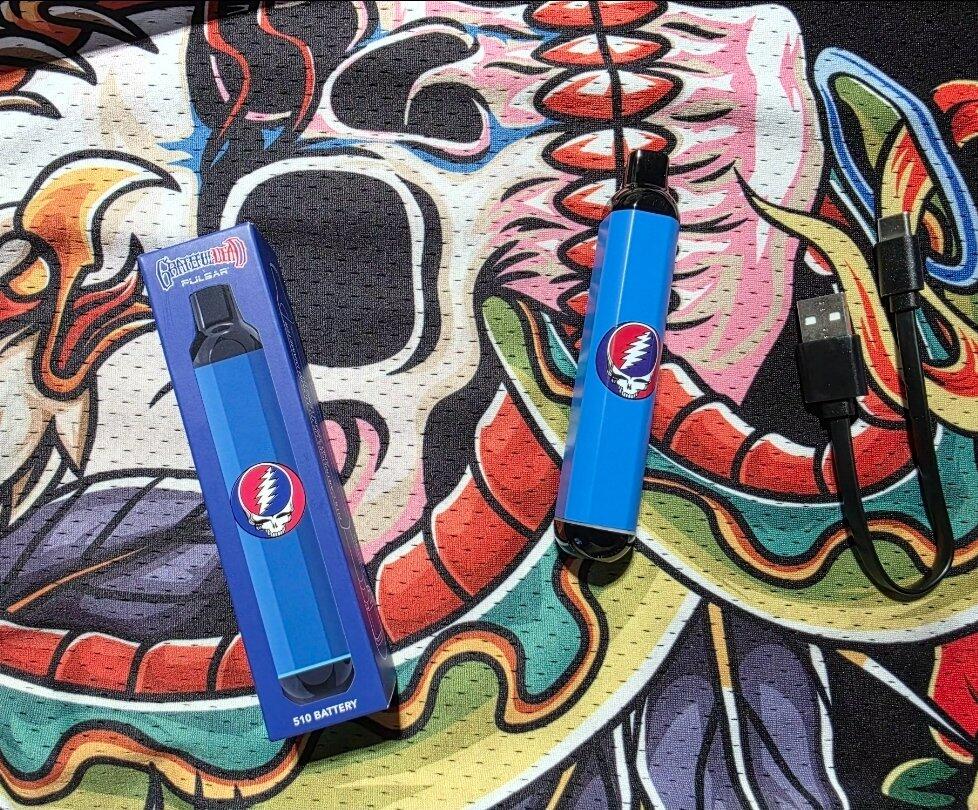
A very easy to use and reliable product. I liked the heat up mode and 2 temp settings. I liked the grateful dead logo and it was printed well and won't scratch away. The body is metal construction and its tough enough to go into my pocket without fear of it breaking. I bought 2 because its just too useful to be without of it breaks, but I think 1 will last me a long time. I recommend it.
I like it small and discreet easy to conceal when needed
Got this on sale to replace my older dl auto draw. I’ve been using it for about 4 years now. Still works fine just has a small crack in the base where you **** on the cartridge. Make sure not to overtighten it. Very pleased with the pulsar brand.
Meh
v
as
Excellent product!
Wirk
Nice! Got here fast!
I've had a couple of these and they work great especially for the price. Clean it after every cart and it will last a long time.
Keep trying to like these DL Pulsar products but either they are cheaply made and cant withstand a fall for the smaller series or the larger series allow for too much suction and smell to escape….tbh are only DL in the sense that the cartridge is hidden (exact words from customer service) but not worth the price regardless of series
I love this battery. Metal body feels good in the hand. It's very discreet because it only has the light strip at the bottom. I really like the 2 puff warm up function. Even on a very clogged cart, I've never had to cycle more than twice. I do wish it had an indicator for the battery charge level, but on the plus side; it does charge pretty quickly.
I think it's important to note that I hit this battery like a bong. Straight strong pulls. I've suprised myself at the size of some of the clouds I've released. I've also choked myself pretty hard a few times being too aggressive.
With it being on sale at such a great price, I couldn't resist buying a couple more.
Be well friends. ✌
So far, so good. Discreet as it doesn't show the cart.
Very week draw other than that I like it pretty well no buttons all breath activated cool concept just prefer more vapor from each pull
Rip Bob
Great
Works good.
I am very happy with the performance and ease of the process, keeping it simple for me
